Accessing images/documents attached to a referral
Opera generates a PDF referral which is sent to the relevant hospital inbox.
The PDF typically consists of a cover page, followed by a referral summary page.
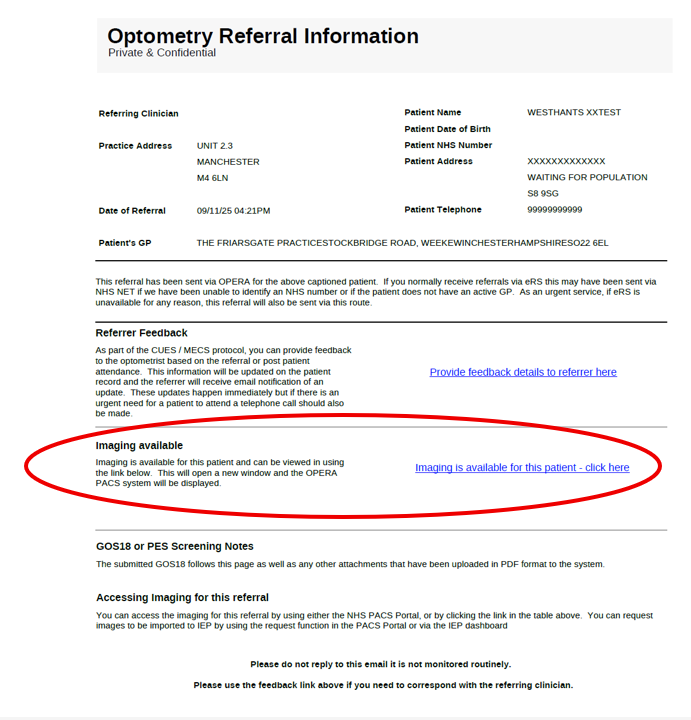
Any attached images or supporting documents will be highlighted on the referral cover page (example shown below).
To view these attachments, click the link displayed on the right-hand side of the cover page: