
Completing the Post-operative Cataract Service module for Primary Care
Post-operative Cataract Service
Completing a post-operative cataract service episode comprises of the following steps:
• Monitor clinical dashboard for transferred patients OR add patient to Primary Eyecare Services IT Platform
• Complete patient booking (can be completed by support/admin user)
• Complete clinical episode
• Record outcome/undertake referral as appropriate
Accepting and booking a transferred patient
The practice dashboard should be monitored daily. Patients transferred to the practice will appear under the “Booking Required” tab along with the target date:

Select “VIEW EPISODE” to start
The patient episode can also be found under the “Referral Management” section:

Ensure you have the correct patient and select any patient factors required.
Next, collect the patients preferred contact number, consent for the ability for their record to be held and consent for communication with them via SMS, email, letter or phone. Record whether the patient has given their explicit consent to view their summary care record.
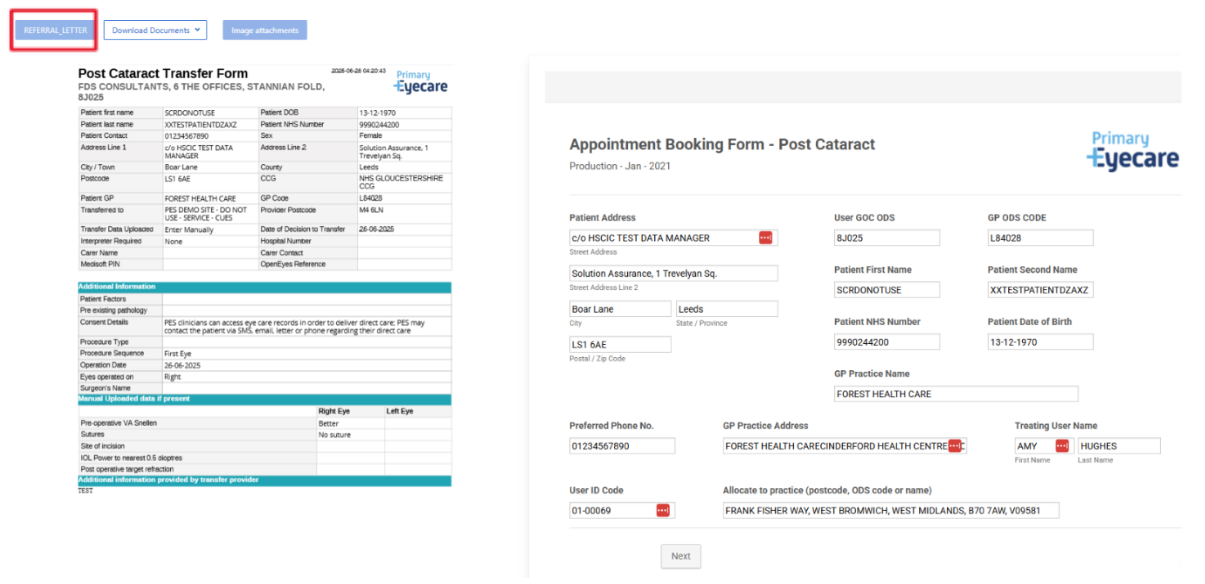
The report provided by the surgical provider can be downloaded using the blue REFERRAL_LETTER tab.
Next, select an action. This will usually be to book the patient for a post-operative assessment.
However, you can also reject to the surgical provider with reason recorded or transfer to another practice, ensuring that the practice has been contacted in advance and has agreed to take transfer of the patient.

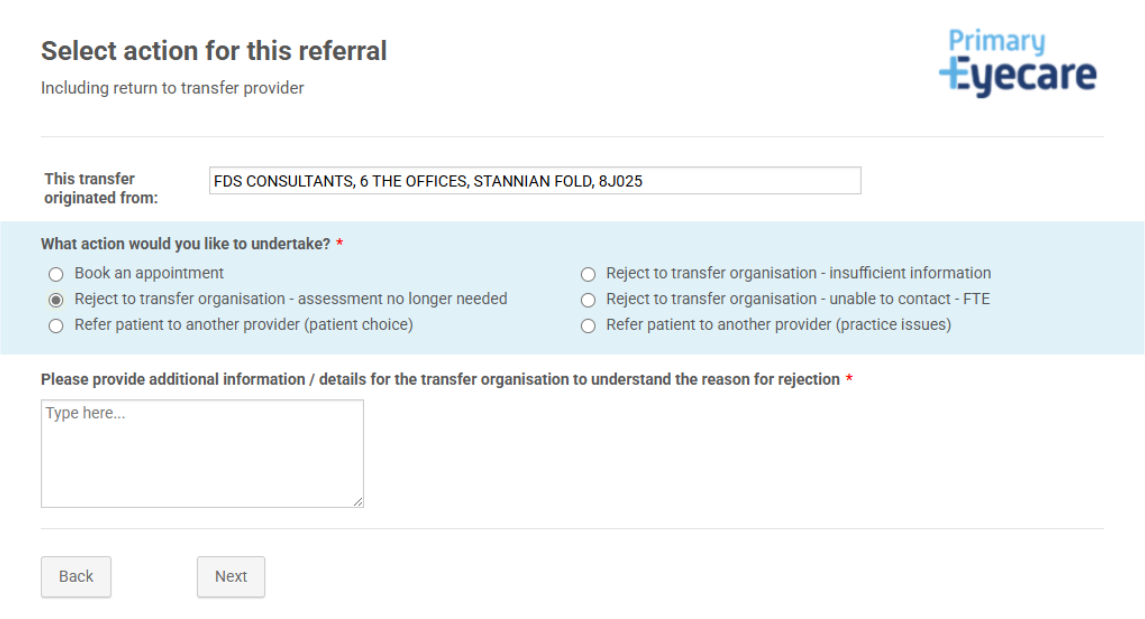
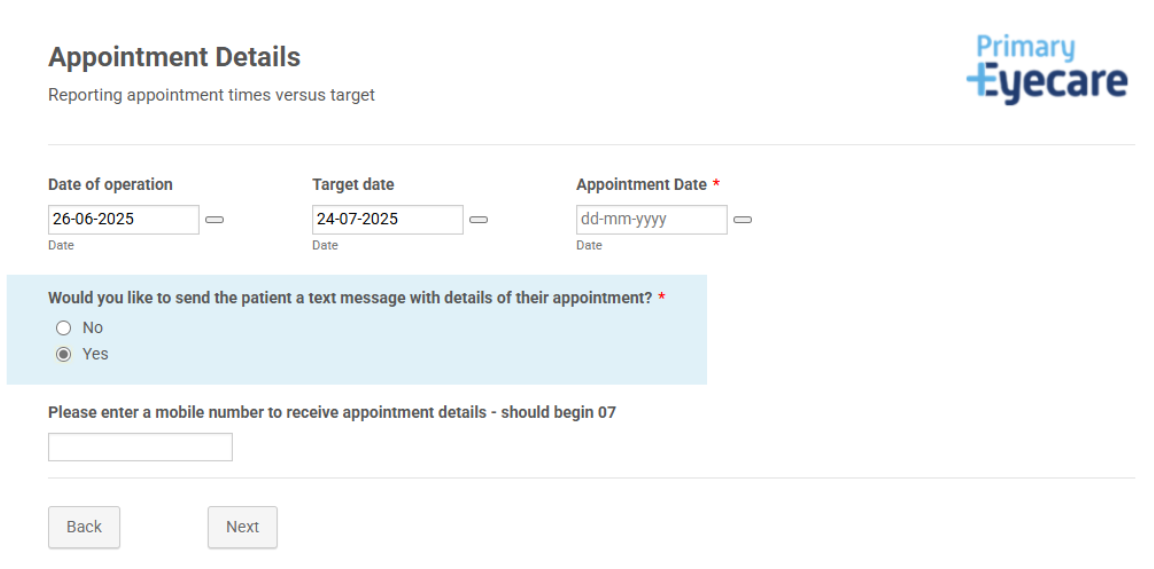
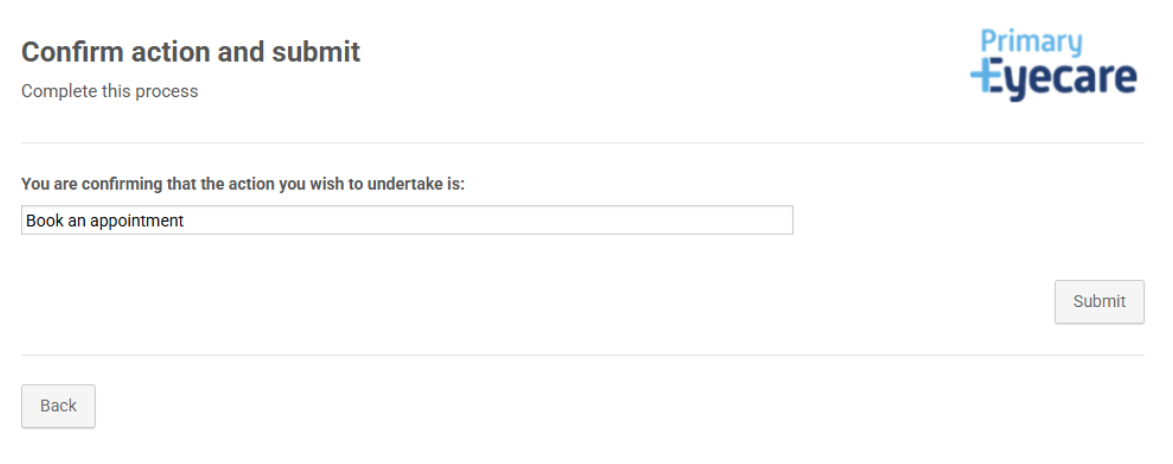
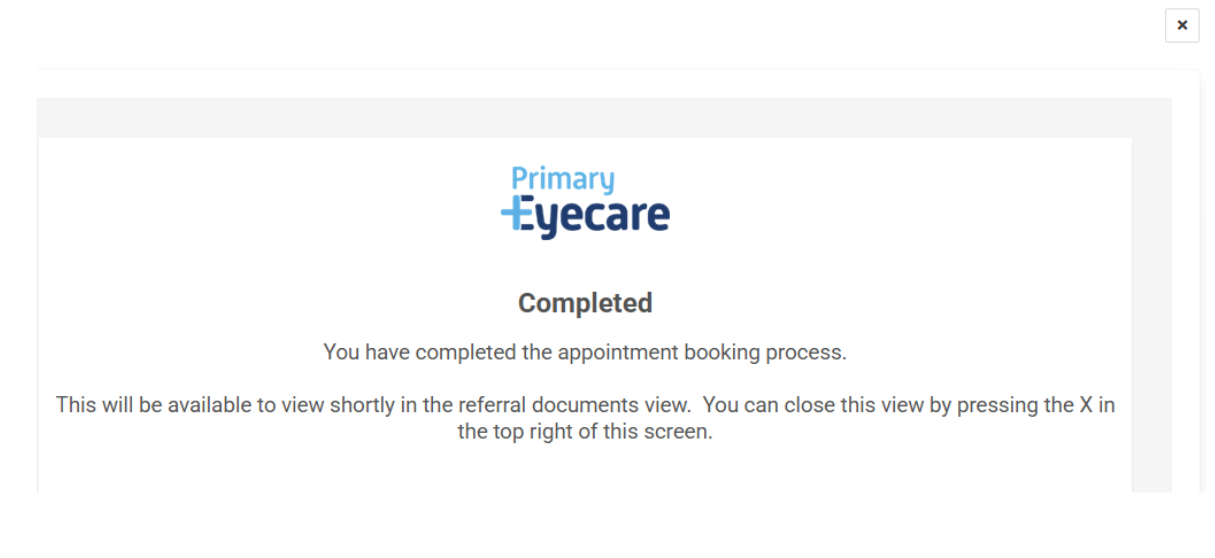
The Post Operative Cataract appointment will now be submitted, and the episode will then be waiting on your referral management screen for your patient to attend their Post Operative Cataract Service appointment.
Carrying out the Enhanced Cataract Referral Service clinical assessment
The below steps will guide you through the completion of the post-operative clinical assessment.
Find the patient on the Referral Management section and click the yellow “Post Cataract” tab next to their name to begin the clinical assessment.

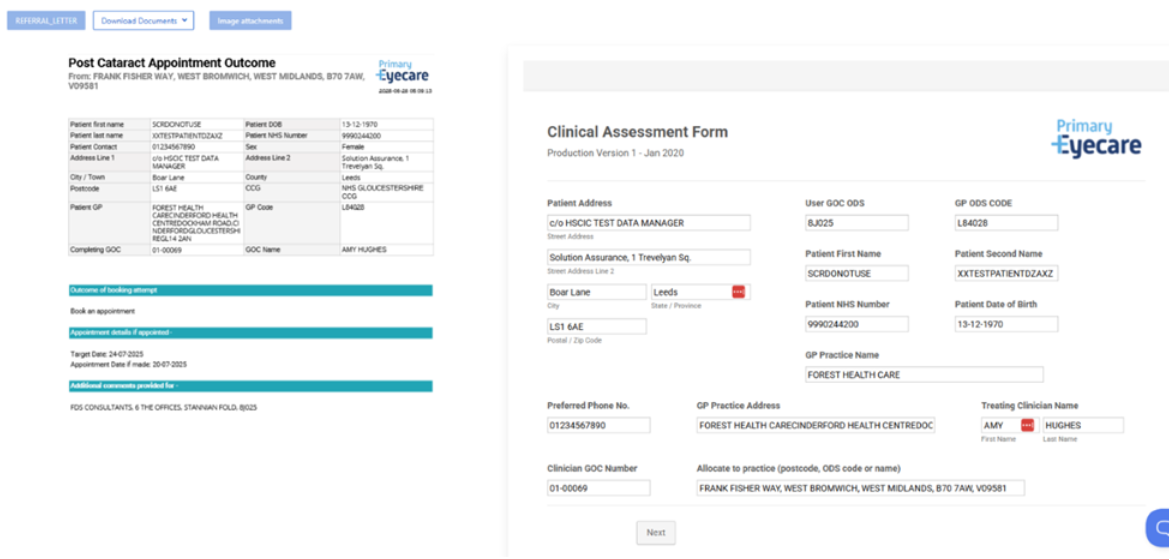
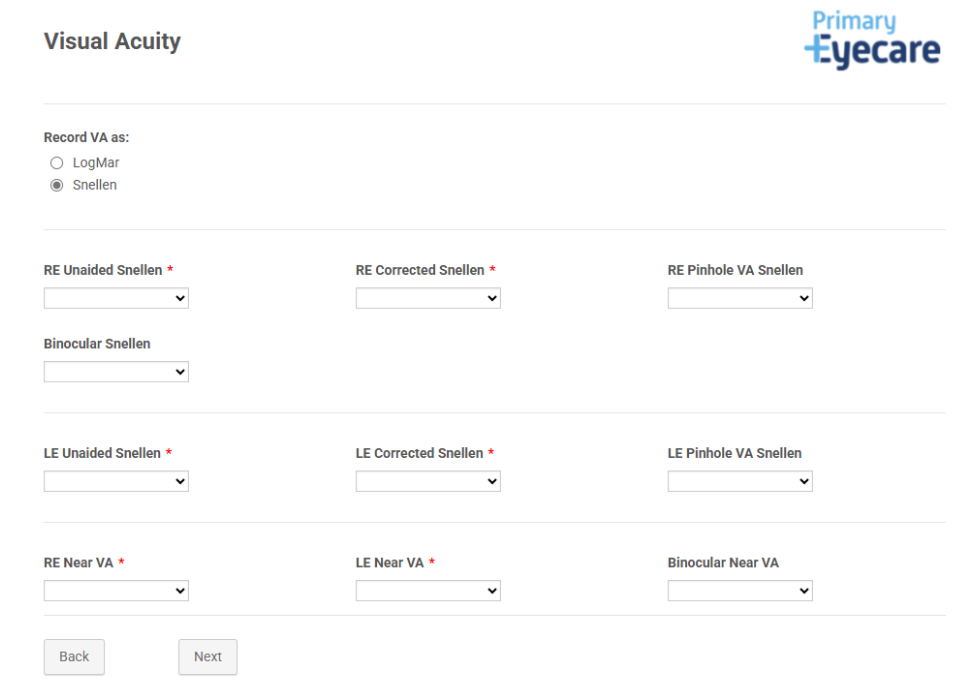
Selecting next, the following screens will ask for the following information;
- Assessment of aided and unaided visual acuity and post-operative refraction
- Assessment of intra-ocular pressures
- Clinical assessment of anterior and posterior eye
- Record of patient’s satisfaction with vision and surgical outcome
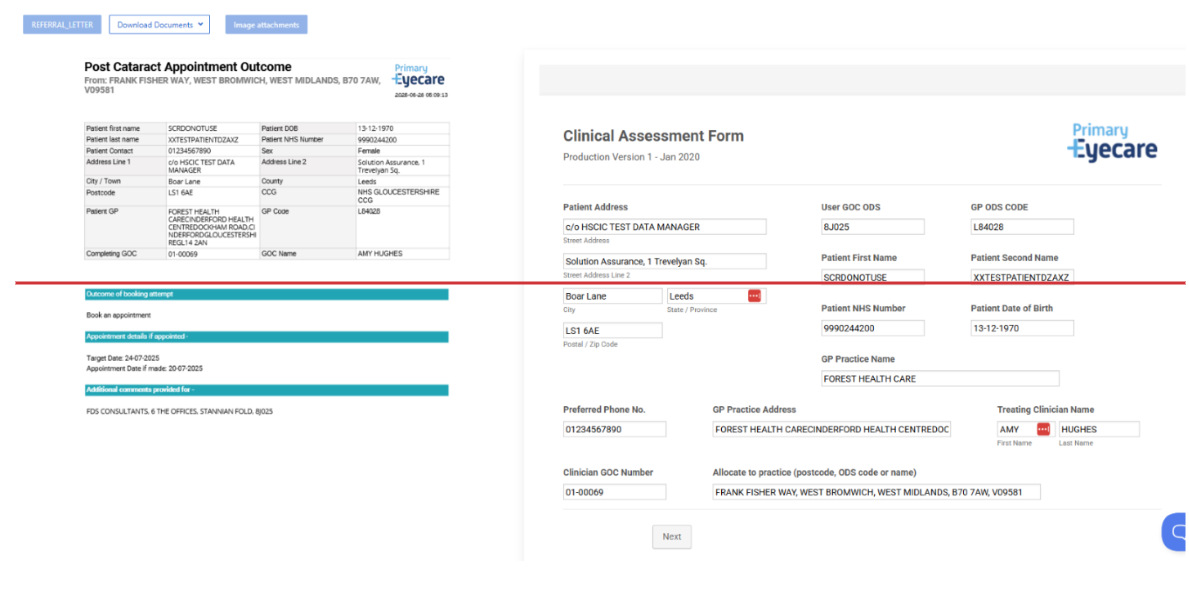
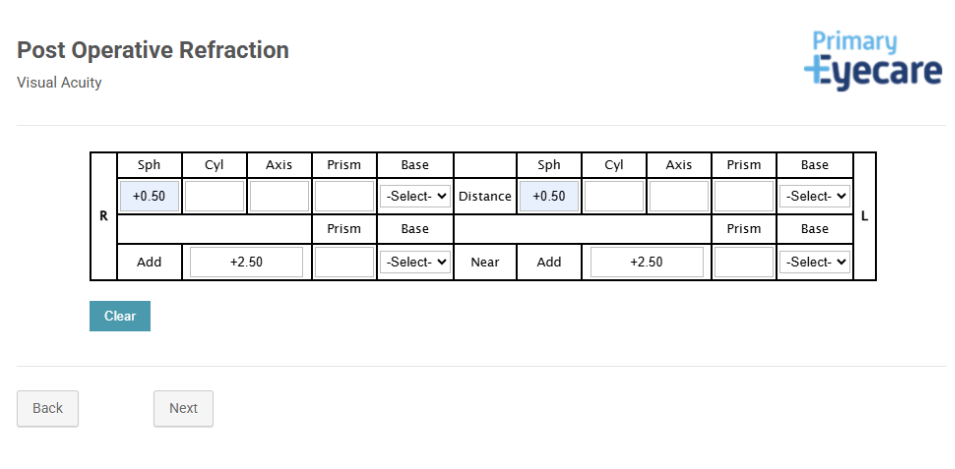

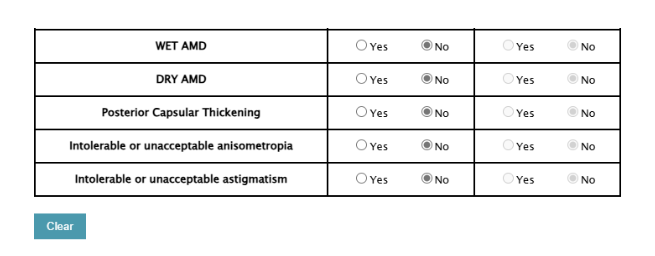
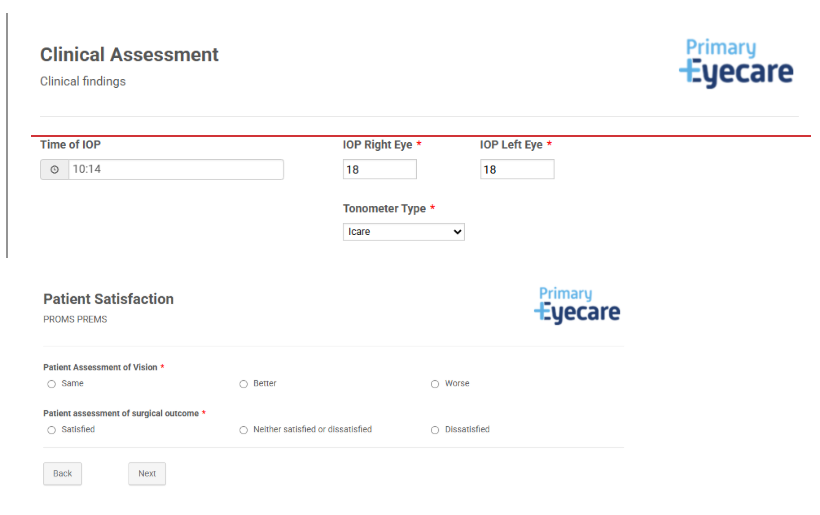
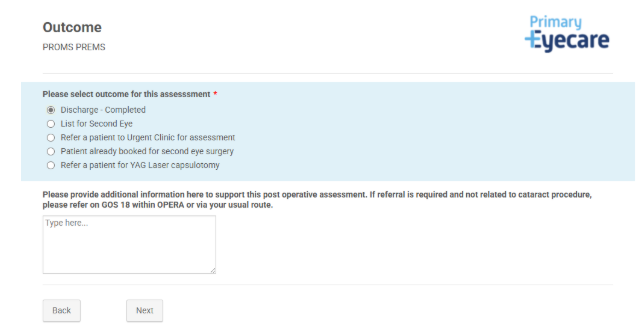
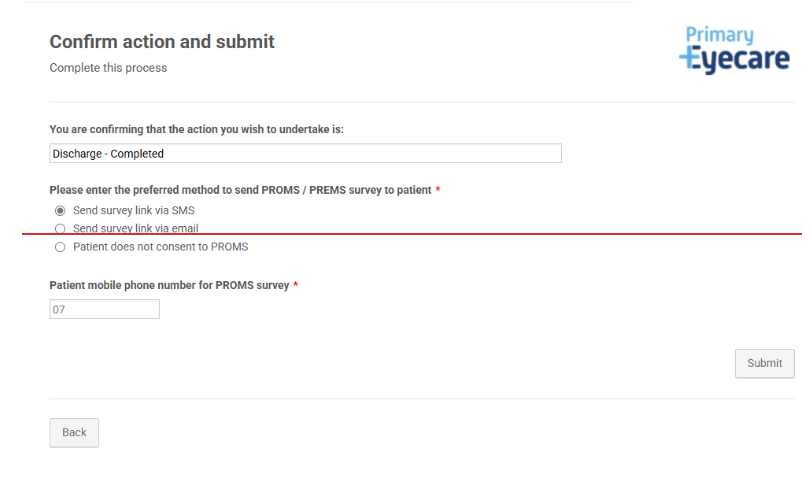
You will then be asked to record the clinical outcome for the post-operative assessment, the options being:
- Discharge
- Urgent referral to surgical provider
- List for second eye
- Notify surgical provider that patient is already booked for second eye
- Referral for YAG

You will note now that the clinical assessment has been completed for this patient, and you will have the red refer to HES tab.
The patient episode will now show as either
- Green “Completed” tab: no further action required
- Red “Refer to HES” tab: press to select secondary care provider and complete referral